OSLER
AI POWERED TELEHEALTH & PERSONAL HEALTH ASSESSMENT APP

Project Snapshot
Product: Osler AI driven telehealth and personal wellness companion
Platform: iOS Mobile App
Role: End to end Product Designer UX Research UX UI Interaction Design Visual System
Duration: 6 Weeks
Core Features:
AI Symptom Checker
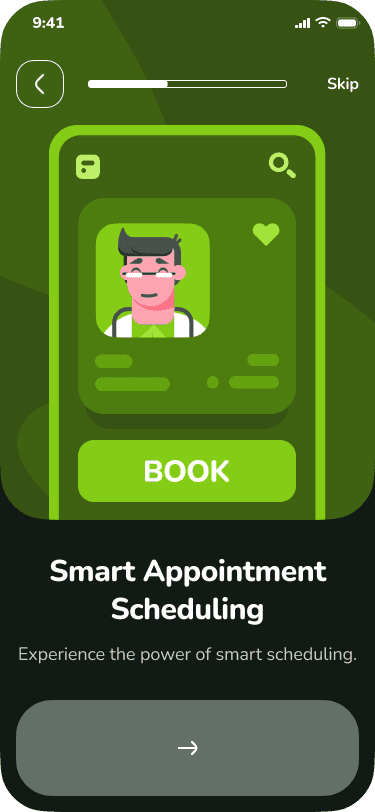
Smart Appointment Booking
AI Wellness Chatbot
Voice based Diagnosis
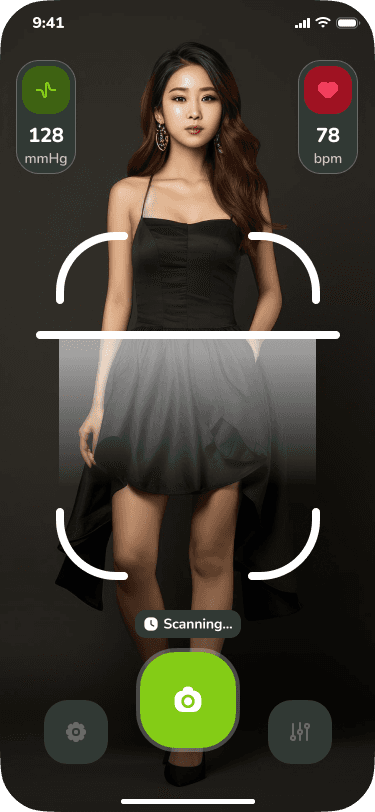
Full Body AI Scan Vital Reading Simulation
Behavioral and Lifestyle Assessment
Medication and Allergy Tracking
Personalized Health Insights
Goal:
Design a highly intuitive emotionally comforting and medically trustworthy mobile experience that empowers users to self assess monitor their health and access telemedicine with AI assistance.
The Core Problems
Modern healthcare apps struggle with:
• Overwhelming onboarding
Users drop off when asked complex medical questions upfront.
• Low trust in AI driven diagnoses
People need transparency reassurance and a sense of control.
• Fragmented experiences
Symptom checks appointments chatbots and health logs often live in separate apps.
• Poor emotional design
Healthcare can create anxiety yet many apps feel cold clinical or confusing.
Osler needed a unified intuitive and human centered mobile experience that made medical assessment feel
simple safe personalized and trustworthy.
The Solution I Designed
I created a fully guided interactive health assessment flow that blends delightful UI with medically safe structure and AI powered intelligence.
Key Experience Pillars
1. Fun and Friendly Onboarding
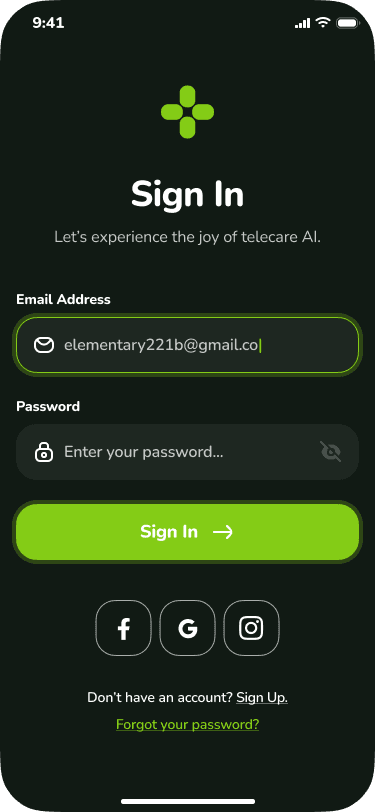
Animated splash screens loading states and emotional microcopy reduce anxiety and make users feel welcomed.
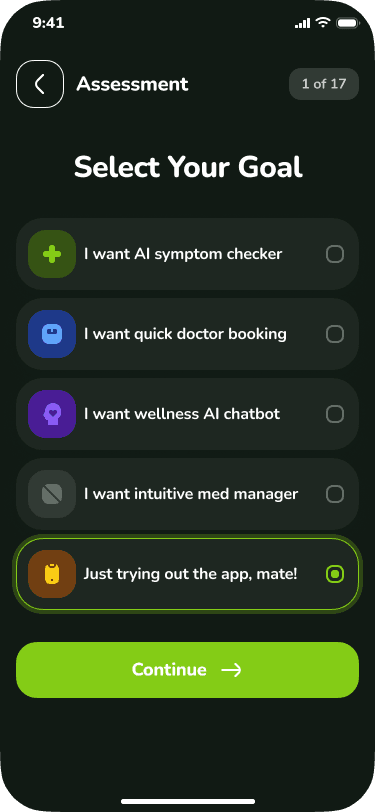
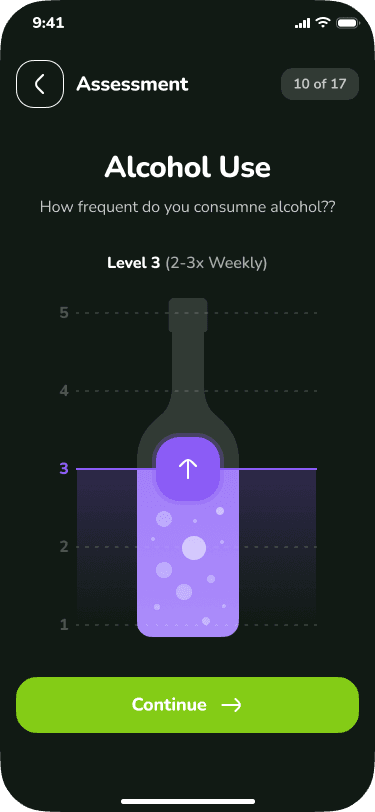
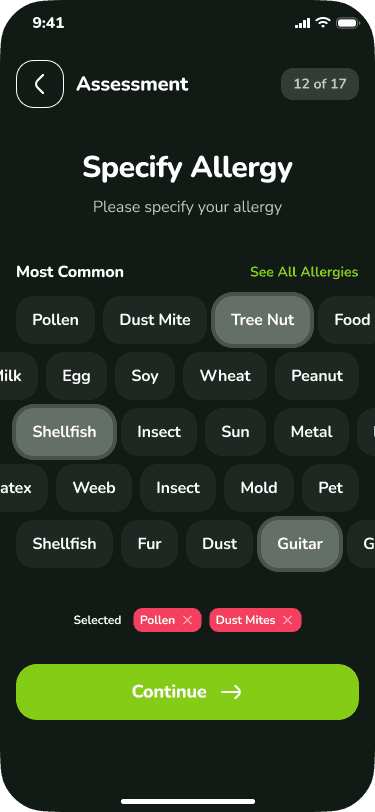
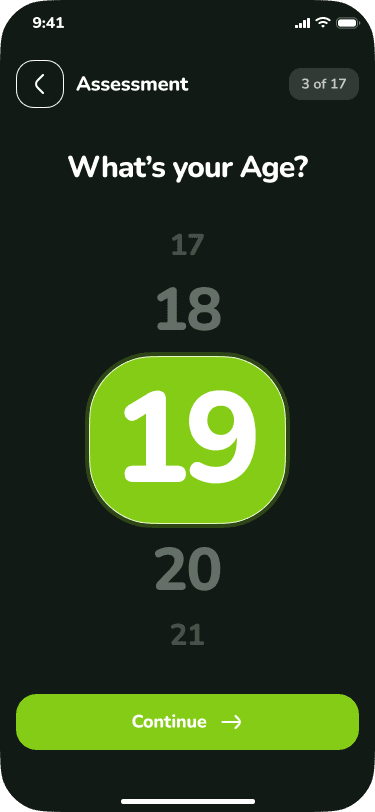
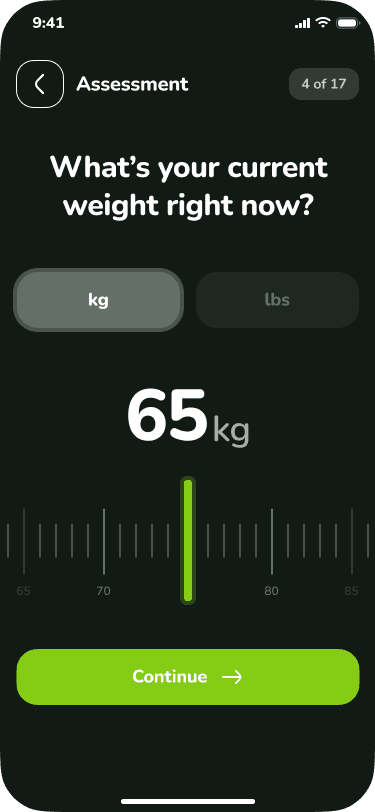
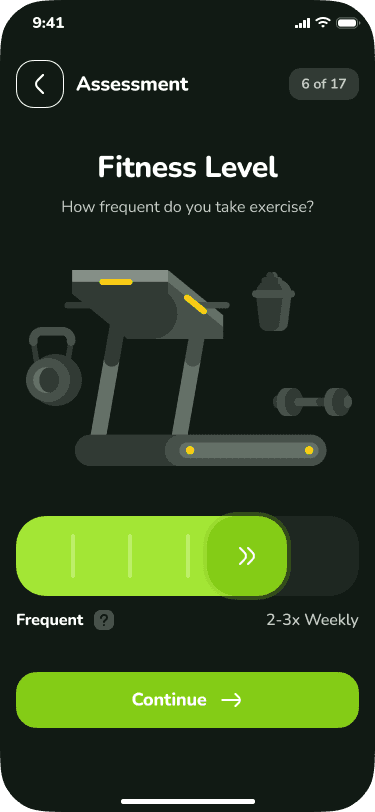
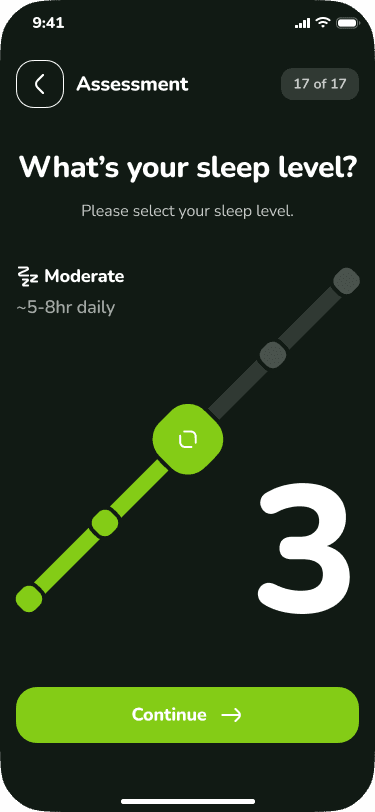
2. 17 Step Adaptive Health Assessment
Structured but gamified steps covering:
User goal
Gender age weight
Fitness habits
Medications
Allergies
Alcohol intake
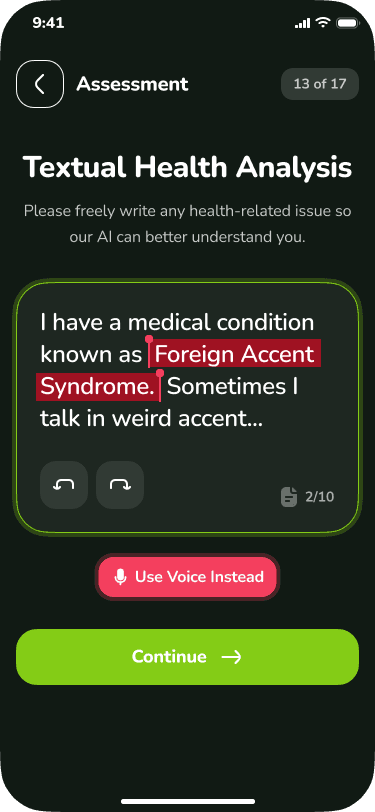
Text based health issues
Voice AI analysis
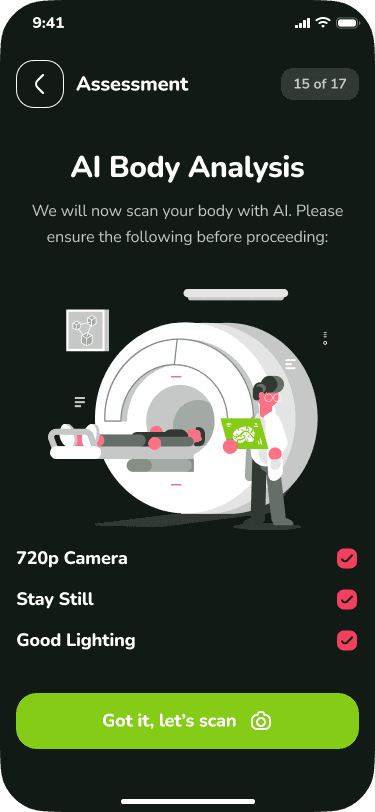
Full body scan
Mood and sleep levels
Each step uses one action per screen to reduce cognitive load.
3. Multi modal AI Inputs
Users can provide data in multiple ways
Textual description AI highlights medical terms
Voice analysis Stress tone and symptom detection
Body scan simulation Heart rate BP posture signals
4. Accessibility First Interactions
Large touch areas high contrast colors clear icons voice options sliders and carousels ensure inclusivity.
5. Emotion Driven Illustrations
Custom illustrations for
Fitness
Wellness
Allergies
Medications
Sleep and mood
These humanize complex medical steps and maintain user comfort.
6. Intelligent Summary at End
The app synthesizes inputs for
Risk predictions
Personalized suggestions
Whether consultation is recommended

My Design Principles
• Comfort over Clinical
Create a soothing environment using soft colors rounded shapes and friendly illustrations.
• One Task Per Screen
Reduce overwhelm improve focus and increase completion rates.
• Trust through Transparency
Explain why AI needs each data point and provide clear consent microcopy.
• Gamification for Motivation
Sliders pickers progress bars and interactive components turn medical data entry into an engaging experience.
• Multi Sensory Input
Support text touch voice and camera so users can express symptoms in the way they prefer.
• Safety First
Ensure users always feel in control and aware of how their data is used.
Top UX Improvements I Made
1. Goal Based Personalization
The first step asks why the user is here allowing the app to adapt content dynamically.
2. Smart Error Handling
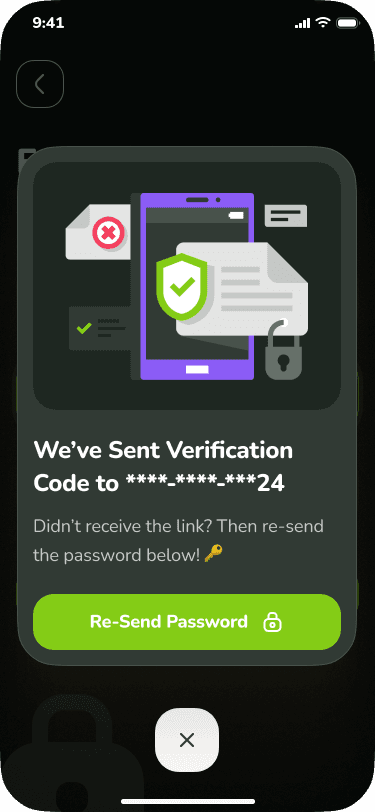
Sign up mismatches and validation errors are surfaced gently with helpful guidance.
3. Medication and Allergy Search System
Alphabet filter search multi tag selection makes medical lists simple to navigate.
4. Voice and Text AI Hybrid
Users can speak instead of typing improving accessibility and reducing friction.
5. AI Body Scan Simulation
A unique feature that visualizes vital reading in an immersive helpful way.
6. Emotional State Inputs
Mood sliders sleep scale and emoji based interfaces reinforce holistic healthcare.
7. 17 Step Visual Progression
Clear step indicators help users feel guided and never lost.
Results
What the final design achieves
• Highly engaging onboarding
Interactive screens significantly improve first session engagement.
• Increased trust in AI processes
Human centered visuals and explanations reduce fear of AI diagnosis.
• Smooth medical data collection
Sliders buttons carousels and guided flows turn complex medical information into easy interactions.
• Better personalization
AI receives diverse input types which leads to more accurate recommendations.
• Improved accessibility
Voice option simple navigation and large tap targets make the experience inclusive.
• A holistic telehealth ecosystem
Assessment tracking booking AI chat and scanning live inside one seamless interface.
Summary
Osler is a next generation AI telehealth product designed to make healthcare feel friendly intuitive and deeply personalized.
My design approach transformed a complex medical data collection journey into a reassuring game like and emotionally supportive user experience.
The final result is an app that:
guides users step by step with zero overwhelm
blends multiple AI technologies
maintains trust and emotional clarity
delivers personalized health insights
feels delightful instead of clinical
This project demonstrates my ability to design AI driven multi modal medically sensitive experiences with strong UX foundations and polished visual design.